Many competitive exams, including those conducted by SSC and RRB, use a 10-minute typing test, so practice here, take this typing speed test, and see your detailed typing test report.
Why do you have to take a 10-Minute Typing Speed Test?
My personal opinion on this is 10 minutes duration is best to know your true typing potential. I am saying that for the short duration we can type, but for the 10 minutes or more duration, our fingers fatigue and typing endurance come into play. The more we do typing practice, the more we get used to the fatigue, and over time our typing speed will increase.
Another reason is that all major typing tests, including SSC CGL, SSC CHSL, RRB NTPC, and SSC Stenographer, use the same 10-15 minutes duration. So practicing this 10-minute typing test will keep you ahead in the typing test competition. Our detailed typing analysis report and feedback help you to identify your weaknesses so that you can improve your typing skills.
How to take this 10-minute typing practice test
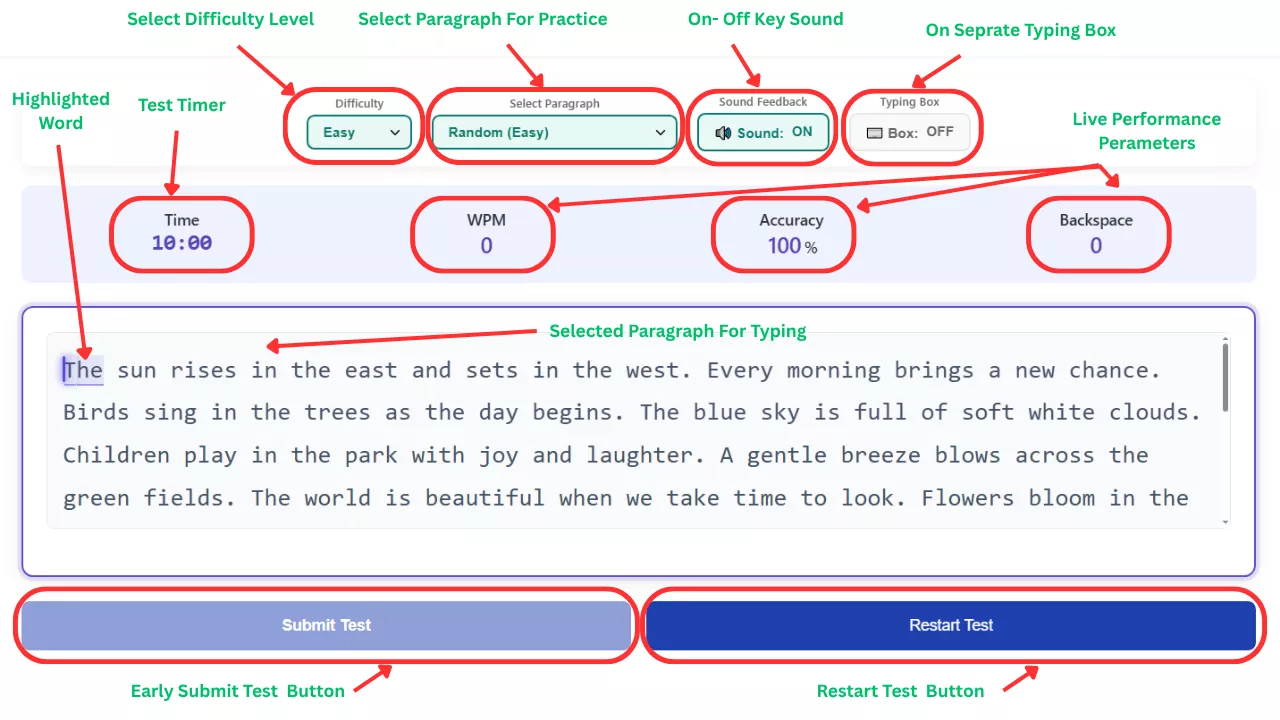
As a developer, I make this typing test very easy to use, you just have to start typing. The current highlighted word in the paragraph will auto-move as you type. The additional test settings are
- I have added three paragraph difficulty modes: easy, medium, and hard. In each mode, there are 100+ typing practice paragraphs.
- You can click on the “Difficulty” and “Select Paragraph” dropdown menu to select the difficulty level and paragraph.
- Here you can choose “Sound On” or “Sound Off” for keypresses according to your preference.
- You can click on the “Typing Box” setting if you want to type the paragraph in a separate typing box like in many official typing tests.
I added a live preview section just above the test so that you are able to see your live performance.
- Time left 10:00
- Live WPM
- Live Accuracy percentage
- Backspace count
After the test, there are two buttons.
- “Submit Test” button- I give you the option to submit the test.
- “Restart Test” button- if you want to restart the test.
After the time is over or you click on the “Submit Test” button, you will be able to see the “Your Detailed Performance Report”.
Detailed typing report of your 10-minute typing test
Here our platform shines over others. Your detailed performance report consists of these sections.
- Typing analysis- Which includes Net WPM, Accuracy, Gross WPM, Mistakes, Full Errors, Half Errors, Total Keystrokes, Backspaces, and CPM.
- Download Your Verified Typing Report- You have to write your name to generate the downloadable report to track your performance.
- Typing Speed over Time- I added this feature so the user will be able to see a graph of their WPM over time, and also their error graph over time.
- Slowest Keys (High Response Time)- Here you can see during the test which key you press slowest.
- Personalized Recommendations- Based on your test, you will get personalized feedback.
- Detailed Text Analysis- You can see Original Text vs what you type side by side with errors highlighted.
Typing test 10 minutes practice paragraphs
You can take this test to check your current WPM as well as for typing practice. These 10-minute practice paragraphs will help you to grow your typing skills, improve your WPM, and, over time, improve your accuracy. We provide more than 100 practice paragraphs, which is a sufficient number to practice with different paragraphs daily.
Continuity is the most important factor to keep practicing daily so you can retain your current WPM and improve it. Someone said, “Practice makes men/women perfect”.
Pro Tips to Maximize Your Typing Speed
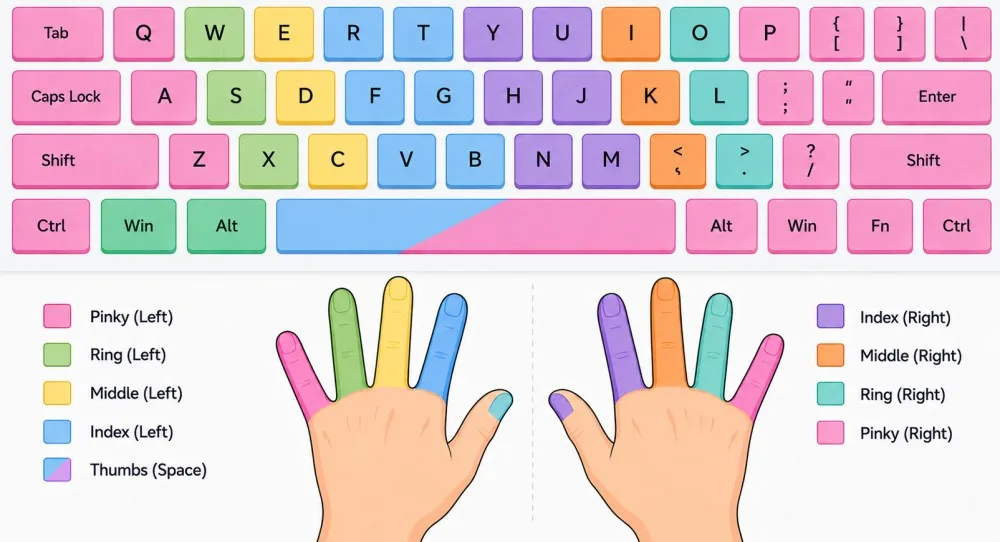
The only way you can unlock your true typing potential is by learning touch typing. If you are continuously looking between the keyboard and the screen, it will hamper your typing speed. There are some points you can follow to increase your typing speed.
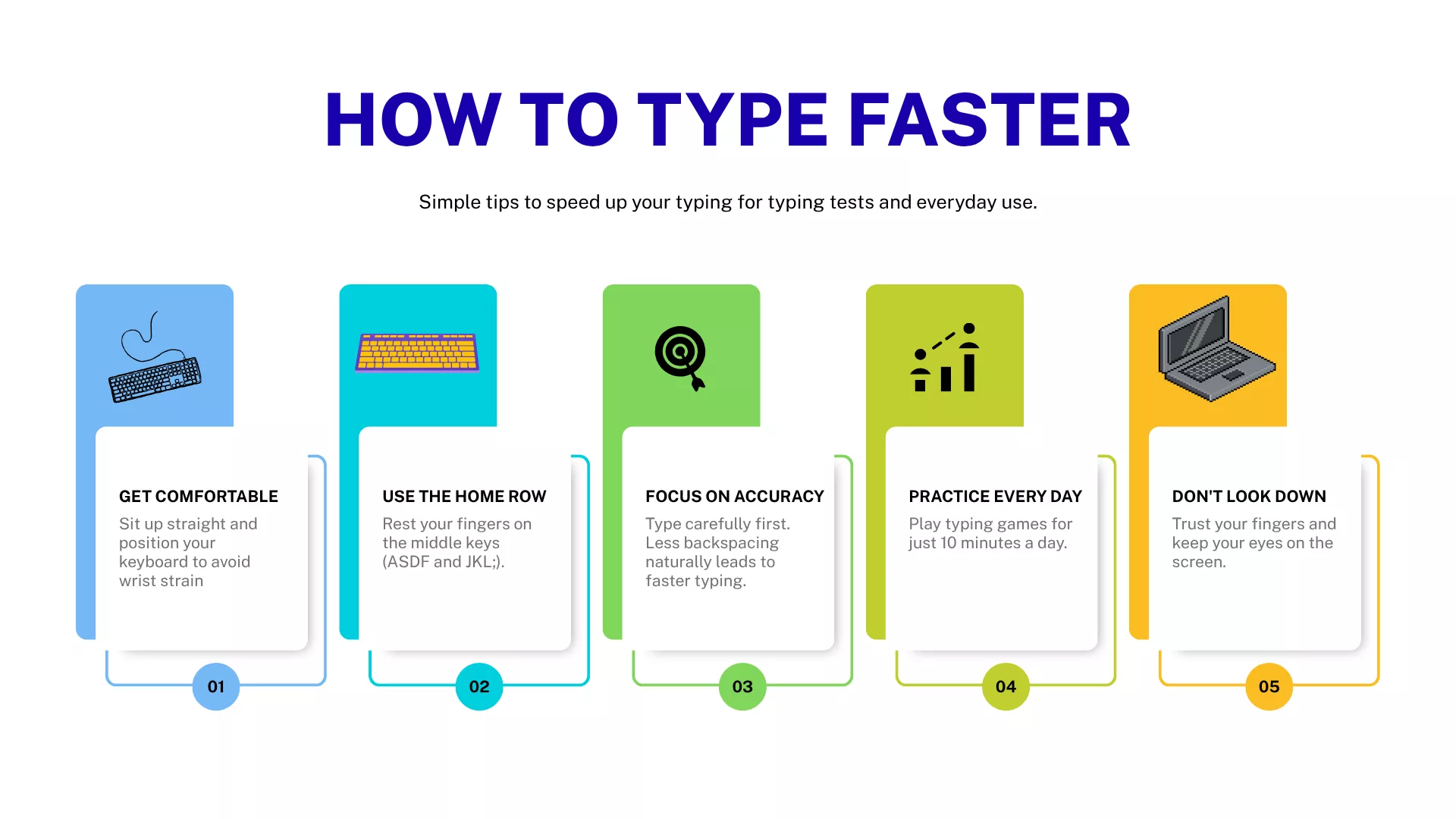
- Do not look at the keyboard
- Focus on accuracy first
- Minimize backspaces
- Practice daily
Frequently Asked Questions
Is this 10-minute typing test online free to use?
Yes, it’s 100% free, in fact there is no login required. You can come any time and do your typing practice with FreeTypingTest.in.
Does accuracy matter more than speed?
I would say yes, because if you are typing superfast with a lot of mistakes, it doesn't make any sense. Try to achieve more than 95% accuracy.
How often should I use this 10-minute typing test practice tool?
It depends on what your goal is and what you want to achieve. If you are preparing for any typing test, take 10 minutes typing test at least three times a day.
Conclusion
So take this test, analyse your typing report, note the area of improvement, and most importantly, keep practicing daily. Over time, you will achieve desire WPM speed with high accuracy. In your typing journey, this 10-minute typing practice test will help you a lot. Now my time to Say Good Bye! Do typing practice daily.
About the Author